How to make a ChatGPT Millionaire AI video
This tutorial walks you through the whole process — from picking the right photo to posting the finished meme with a trending sound and captions. Everything happens in the browser at the generator; there is no app to install. At the end you have a 12-second MP4 of yourself living the millionaire fantasy — and the reality check — ready for TikTok, Reels or Shorts.
Before you start: the photo is everything
ChatGPT Millionaire AI uses no text prompts. Your uploaded photo is the prompt: the AI reads your face, hair and clothing from it and keeps your identity consistent through every scene. A good photo makes the whole video; a bad one wastes credits.
- Face the camera, eyes visible, no heavy filters or sunglasses
- Show hair, clothes and upper body — not just a tight face crop
- One subject per photo, sharp and well lit
- Pets work too — the AI casts them as a serious billionaire
More photo recipes and anti-patterns: the photo guide.
Step 1 — Upload your photo
Scroll to the generator and tap the upload card. Accepted formats are JPG, PNG, WebP and HEIC (HEIC is what iPhones shoot by default), up to 10 MB.
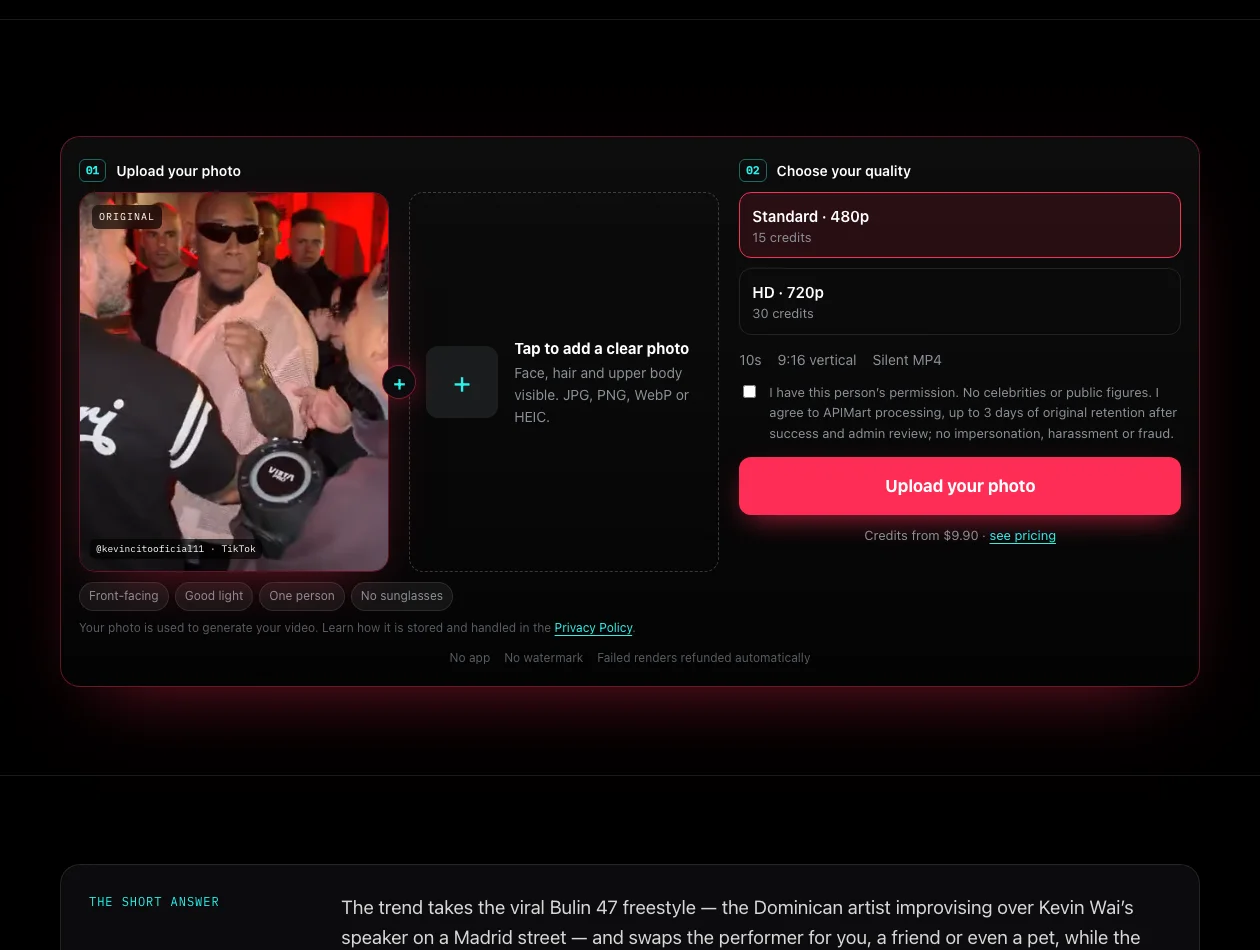
Step 2 — Choose your format and quality
- Format. 9:16 vertical for TikTok, Reels and Shorts, 1:1 square or 16:9 landscape. Every render is a 12-second clip.
- Standard 480p — 20 credits. Cheap draft. Render one first to check the face looks right.
- HD 720p — 40 credits. The keeper, once the 480p draft passes your inspection.
Tick the consent checkbox — it confirms the photo is of you, or of someone who gave you explicit permission — then press Generate My AI Meme.
Step 3 — Wait for the render
Rendering usually takes a few minutes, occasionally longer at busy times. You can close the tab. When the video is ready it waits in My videos — watch it there, then download the MP4. Download your copy promptly; delivery links are not kept forever.
Buying credits, if you don’t have any
You’ll need credits before the first render. Packs are one-time, never expire and there is no subscription. Checkout is by Stripe.
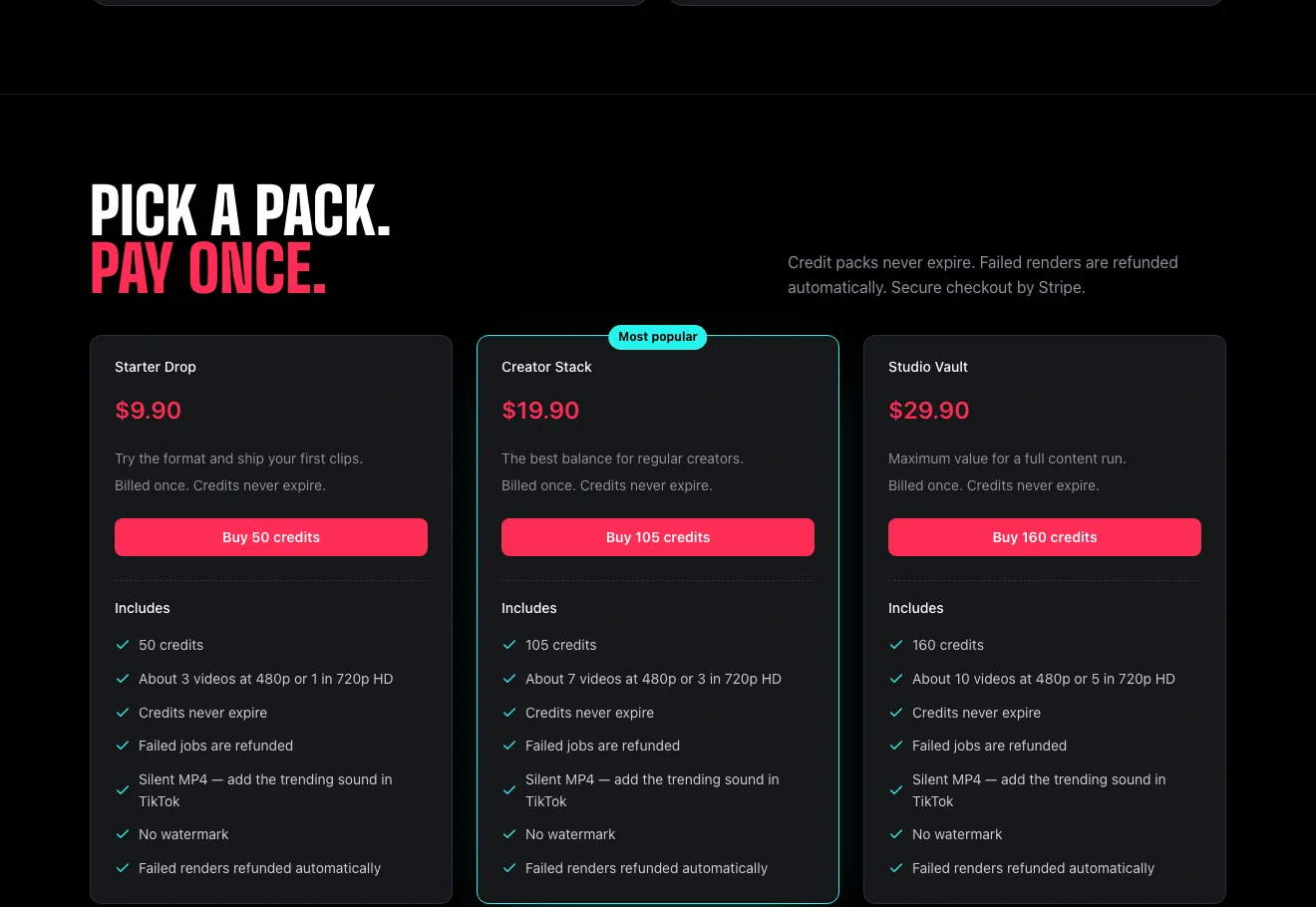
| Pack | Price | Credits | Roughly |
|---|---|---|---|
| Starter Drop | $9.90 | 50 | 2× 480p, or 1× 720p + 1× 480p |
| Creator Stack | $19.90 | 105 | 5× 480p, or 2× 720p + 1× 480p |
| Studio Vault | $29.90 | 160 | 8× 480p, or 4× 720p |
Failed or blocked renders are refunded automatically — you are never charged for a video that didn’t render. Details: Refund Policy.
Posting it on TikTok
Your download is a watermark-free MP4 with the meme’s audio already merged in — lip-synced to your star and ready to post. To squeeze out extra reach, layer captions inside TikTok, Reels or Shorts beat by beat — the question, the fantasy, the punchline. Exact steps in how to add a trending sound and captions in TikTok. Posts that use the in-app trending sound travel further.
Troubleshooting
| Problem | What it means / what to do |
|---|---|
| Render failed or was blocked | Nothing to do — credits return to your balance automatically. Check the photo against the rules above and try again. |
| Nothing in My videos after 20+ minutes | Refresh the page — it updates in-flight renders. If the render failed, its credits are back in your balance automatically. |
| Face looks off / drifted | Photo problem, almost always. Re-shoot front-facing with even light, hair and shoulders in frame. See why AI faces drift. |
| Where is the music? | Renders already include the character’s lip-synced speech. Trending sounds and captions are added inside TikTok or Reels when posting. |
| Upload rejected | Wrong format or over 10 MB. Export as JPG, PNG, WebP or HEIC. Celebrity, minor or two-person photos are blocked by the safety rules. |